

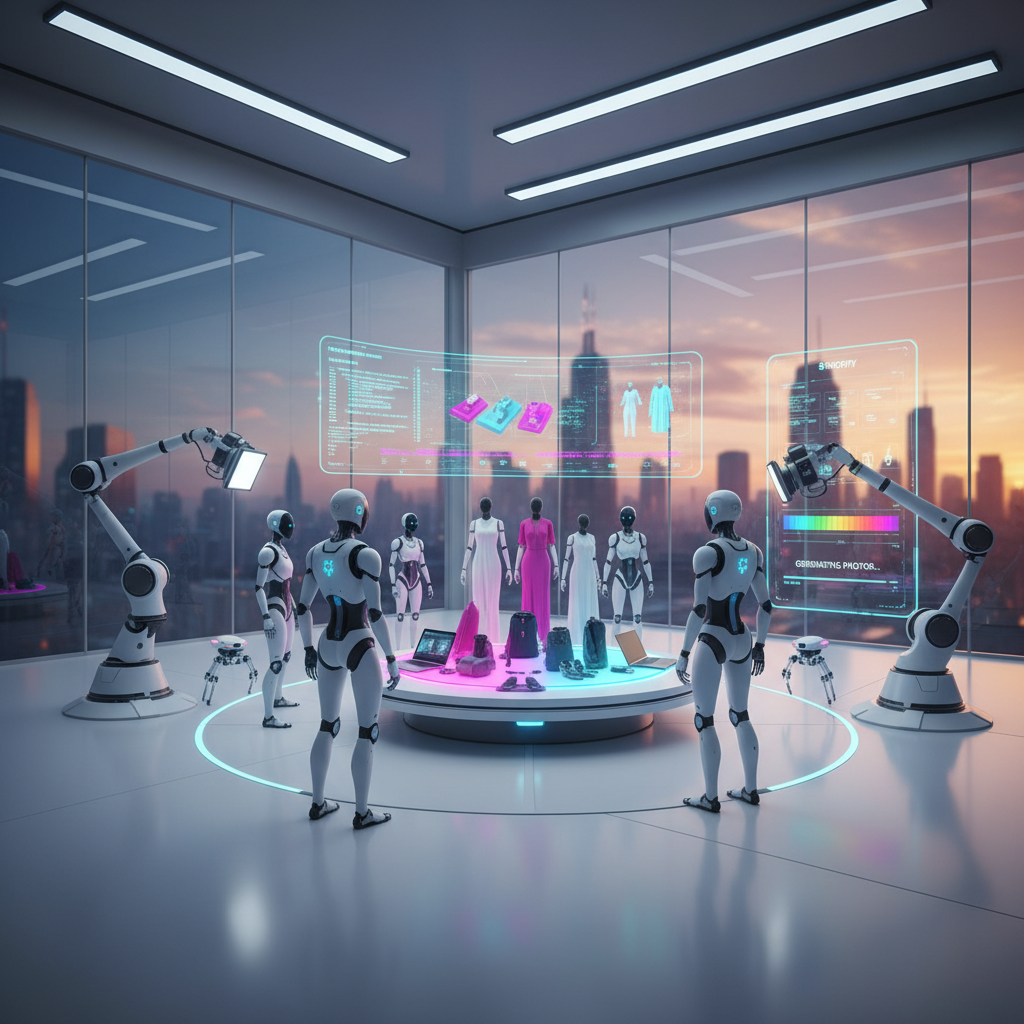
How to Integrate AI Product Photography into Shopify Store Workflow
Integrating AI product photography into your Shopify store workflow revolutionizes how e-commerce businesses create stunning visuals, saving time and resources while enhancing product appeal. This innovative approach leverages artificial intelligence to generate high-quality product images, backgrounds, and lifestyle shots, streamlining the entire visual content creation process for online retailers. By automating repetitive tasks and offering creative flexibility, AI tools empower Shopify merchants to maintain a consistent brand image and attract more customers with professional-grade visuals without the need for traditional photoshoots.
Optimizing Shopify Product Visuals with AI Solutions
Optimizing Shopify product visuals with AI solutions involves using artificial intelligence to automate and enhance the creation of product images, leading to improved efficiency and higher quality visual content. This integration allows merchants to generate diverse product shots, remove backgrounds, and create lifestyle images quickly and cost-effectively. AI-powered tools analyze existing product photos and can generate new variations, ensuring visual consistency and appeal across all product listings. The goal is to elevate the customer experience through compelling imagery, which is crucial for conversion rates in online retail.
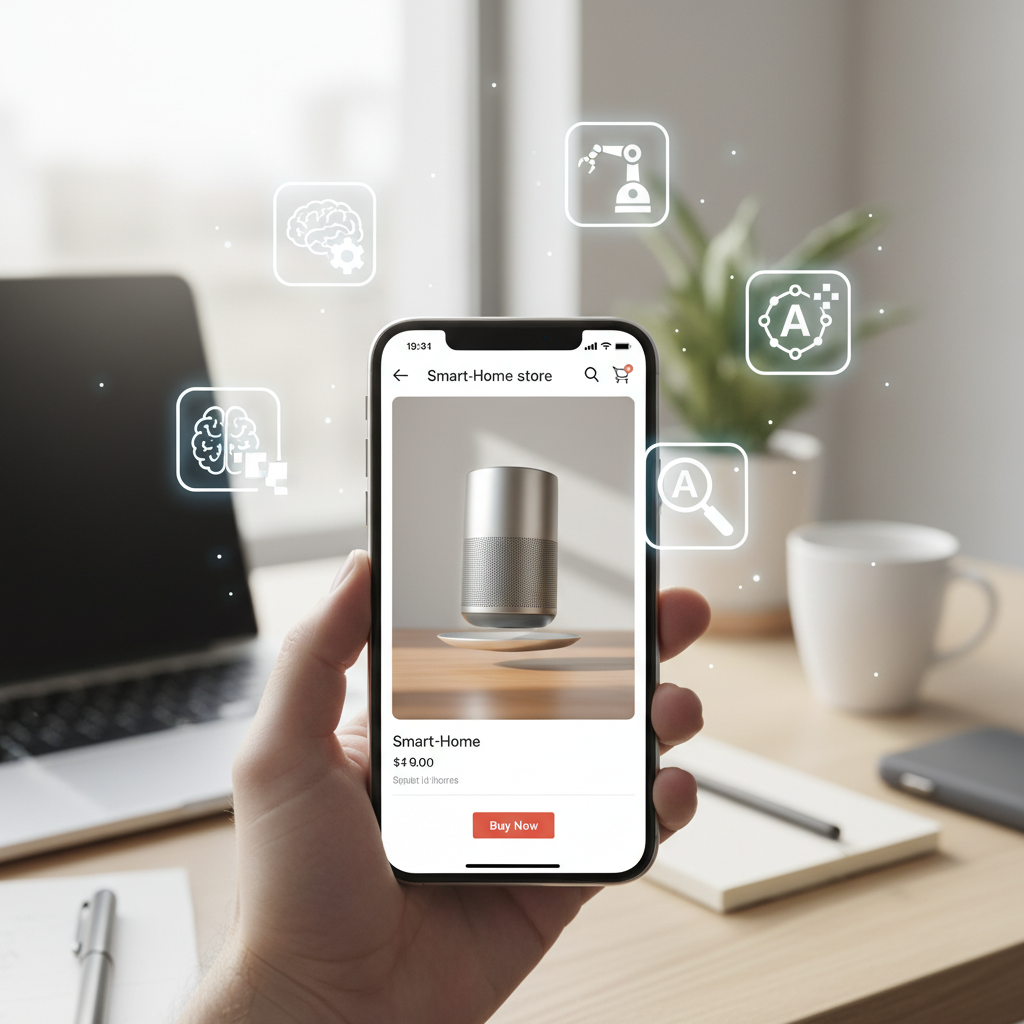
How AI Transforms Product Image Creation for Shopify
AI transforms product image creation for Shopify by automating complex and time-consuming tasks traditionally handled by professional photographers and graphic designers. Instead of scheduling photoshoots and spending hours on post-production editing, merchants can upload a basic product image and let AI tools generate multiple versions with different backgrounds, lighting, and even models. This significantly reduces the time to market for new products and allows for rapid A/B testing of different visual styles to see what resonates best with customers. The technology can also ensure brand consistency by applying predefined visual guidelines to all generated images.
Key Benefits of AI Product Photography for Shopify Merchants
The key benefits of AI product photography for Shopify merchants are numerous, ranging from cost savings to enhanced customer engagement. Firstly, it drastically cuts down on photography expenses, eliminating the need for studios, equipment, and professional fees. Secondly, it accelerates the content creation process, allowing businesses to update their product catalogs more frequently and launch new products faster. Thirdly, AI enables personalization and variety, offering endless possibilities for backgrounds and scenarios that appeal to diverse customer segments. Finally, high-quality, consistent imagery builds trust and professionalism, which can directly lead to higher conversion rates and reduced return rates. Merchants can also leverage AI to create images that highlight specific product features or address common customer questions visually.
Comparing the Best Shopify AI Product Photo Apps for Ecommerce
Comparing the best Shopify AI product photo apps for e-commerce involves evaluating various tools available in 2026 that offer features like background removal, image generation, and lifestyle scene creation. These apps are designed to seamlessly integrate with Shopify stores, providing merchants with powerful capabilities to enhance their product visuals. The ideal app will offer a balance of user-friendliness, advanced AI features, cost-effectiveness, and reliable support. Merchants should consider their specific needs, such as the volume of products, desired image styles, and budget, when making a selection.
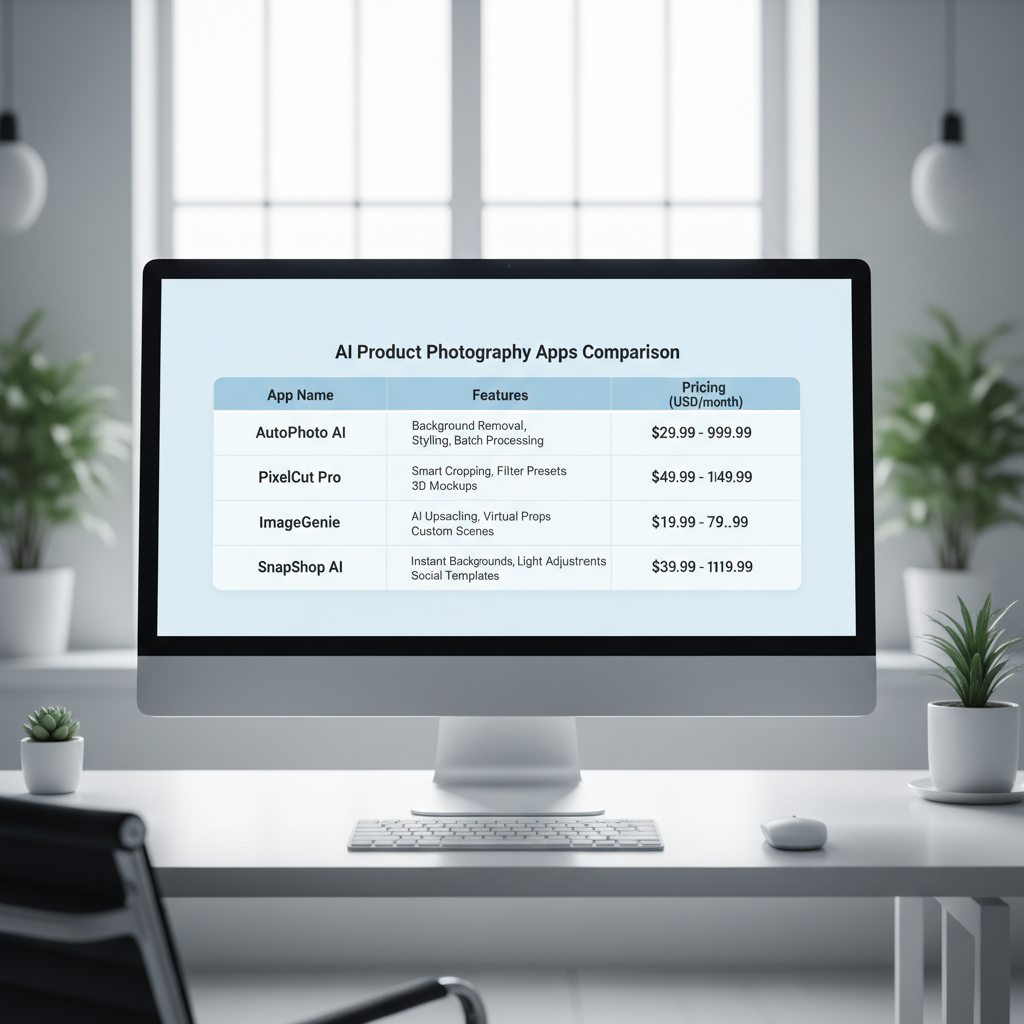
Shopify AI Product Photo Apps Comparison Best Tools 2026
For merchants looking for the Shopify AI product photo apps comparison best tools 2026, several contenders stand out for their robust features and seamless integration. These tools leverage cutting-edge AI to deliver professional-grade results without extensive manual effort. Many offer free trials, allowing businesses to test their capabilities before committing. Key features to look for include:
* Background Removal: Automatic, precise removal of backgrounds to create clean, professional product shots.
* Scene Generation: Ability to place products into realistic or stylized lifestyle scenes.
* Image Enhancement: Tools for improving lighting, color, and sharpness.
* Batch Processing: Efficiently process multiple images simultaneously.
* Shopify Integration: Direct connection to your store for easy uploading and management.
Here’s a comparison of some leading options:
| App Name | Key Features | Pricing Model | Best For |
|---|---|---|---|
| PhotoRoom AI Photo Editor | Instant background removal, AI background generation, bulk editing, templates. | Freemium, subscription tiers. | Small to medium businesses needing quick, diverse backgrounds. |
| Pixelcut AI Photo Editor | AI background removal, magic eraser, shadow generation, lifestyle scenes. | Freemium, subscription tiers. | Merchants focused on high-quality, realistic lifestyle images. |
| Glorify | AI background removal, design templates, smart resize, brand kits. | Subscription tiers. | Brands requiring comprehensive design tools beyond just photo editing. |
| Stylized AI | AI scene generation, virtual staging, 3D product rendering capabilities. | Per-image or subscription. | Businesses needing advanced virtual staging and 3D effects. |
This comparison helps identify the right tool based on specific business requirements and budget.
Evaluating Features for Seamless Shopify AI Integration
When evaluating features for seamless Shopify AI product photography integration, consider how easily the app connects with your existing store and workflow. Look for apps that offer one-click installation from the Shopify App Store. The ability to directly import product images from your Shopify admin and export the AI-generated images back to the correct product listings is crucial. Furthermore, assess the app’s capacity for customization. Can you define specific brand guidelines for backgrounds, shadows, and lighting? Does it offer API access for more advanced automation if needed? User interface intuitiveness is also key; a complex tool will negate the efficiency benefits of AI. Check for features like bulk editing, which is essential for stores with large product catalogs. Finally, ensure the app provides robust customer support and regular updates to keep pace with evolving AI technology and Shopify platform changes.
Streamlining AI Product Image Auto-Generation for Multi-Platform Stores
Streamlining AI product image auto-generation for multi-platform stores involves implementing a unified strategy to create and manage product visuals across various e-commerce platforms like Shopify, WooCommerce, and BigCommerce. This approach ensures brand consistency and efficiency, as a single AI-powered process can generate images suitable for different marketplaces and store types. By centralizing image creation, businesses can significantly reduce redundant efforts and maintain a cohesive visual identity, regardless of where their products are sold. This is especially beneficial for businesses operating on multiple sales channels.
AI Product Image Auto-Generation Plugin for WooCommerce 2026
For businesses utilizing WooCommerce, integrating an AI product image auto-generation plugin for WooCommerce 2026 can dramatically enhance their visual content strategy. These plugins extend the capabilities of AI product photography directly into the WordPress ecosystem, allowing WooCommerce store owners to generate high-quality product images without leaving their dashboard. Key features often include automated background removal, the creation of diverse lifestyle scenes, and image optimization for web performance. Many of these plugins are designed to be user-friendly, requiring minimal technical expertise. They often offer batch processing, enabling merchants to update an entire product catalog with new AI-generated visuals efficiently. This integration helps WooCommerce stores compete with larger retailers by presenting professional and engaging product imagery.
BigCommerce AI Product Photography Integration Guide 2026
The BigCommerce AI product photography integration guide 2026 outlines the steps and considerations for BigCommerce merchants to leverage AI for their product visuals. BigCommerce, known for its robust features and scalability, pairs well with AI tools that can handle large volumes of product images. The integration typically involves selecting an AI photography app that offers BigCommerce compatibility or using a third-party service that can process images generated by AI and then upload them to your BigCommerce store. Merchants should focus on tools that provide API access for deeper integration, allowing for automated image updates and synchronization. The guide emphasizes the importance of maintaining image quality and consistency across all product listings to maximize the platform’s SEO benefits and enhance customer trust. Utilizing AI with BigCommerce can help businesses quickly adapt to market trends by rapidly generating new product visuals.
Magento AI Product Photo Automation for Enterprise Ecommerce
For enterprise-level e-commerce operations running on Magento, Magento AI product photo automation for enterprise ecommerce offers a powerful solution for managing vast product catalogs. Magento’s flexibility allows for custom integrations with advanced AI platforms that can automate the entire product image lifecycle, from initial capture to final deployment across multiple storefronts and international markets. Enterprise solutions often involve headless AI systems that can be integrated via APIs, providing granular control over image generation parameters, style guides, and asset management. This level of automation is crucial for large businesses that need to process thousands of product SKUs and maintain strict brand guidelines. AI-powered automation in Magento can also facilitate dynamic image personalization, where product images are tailored based on customer segments or geographic locations, further enhancing the shopping experience and driving conversions at scale.
Advanced AI Product Photo Automation for Enterprise Ecommerce
Advanced AI product photo automation for enterprise ecommerce refers to the implementation of sophisticated artificial intelligence systems that fully automate the creation, processing, and management of product images for large-scale online retailers. This goes beyond simple background removal, encompassing complex tasks like virtual staging, 3D product rendering, and dynamic image personalization. Enterprise solutions are designed to handle massive volumes of data and integrate deeply with existing PIM (Product Information Management) and DAM (Digital Asset Management) systems, ensuring seamless workflow and consistent branding across all channels. The aim is to achieve unparalleled efficiency and scalability in visual content production.
Implementing AI-Powered Virtual Staging and 3D Rendering
Implementing AI-powered virtual staging and 3D rendering allows enterprise e-commerce businesses to create highly realistic and immersive product visuals without physical prototypes or expensive photoshoots. Virtual staging uses AI to place products into various lifestyle scenes, complete with appropriate lighting, shadows, and textures, making the product appear as if it was actually photographed in that environment. 3D rendering, often enhanced by AI, takes this a step further by creating a three-dimensional model of the product, which can then be used to generate images from any angle, create interactive product viewers, or even integrate into augmented reality (AR) experiences. These technologies are particularly valuable for furniture, automotive, and fashion industries, where visual context and detail are paramount. AI streamlines the process by automating texture mapping, material application, and scene composition, drastically reducing production time and costs.
Integrating AI with PIM and DAM Systems for Scalability
Integrating AI with PIM (Product Information Management) and DAM (Digital Asset Management) systems is critical for achieving scalability in enterprise AI product photography. PIM systems centralize all product data, while DAM systems manage all digital assets, including images. By connecting AI image generation tools directly to these systems, enterprises can automate the entire workflow:
- Product data from the PIM triggers AI image generation.
- AI creates images based on predefined rules and templates.
- Generated images are automatically stored and categorized in the DAM.
- Images are then pushed to various sales channels (Shopify, Magento, etc.) from the DAM.
This integration ensures that product information and corresponding visuals are always synchronized, accurate, and up-to-date across all platforms. It eliminates manual data entry, reduces errors, and provides a single source of truth for all product assets, which is essential for large organizations with complex product portfolios and global reach. This level of automation is a cornerstone of efficient enterprise ecommerce operations.
Implementing AI Product Photography Best Practices in Your Shopify Store
Implementing AI product photography best practices in your Shopify store ensures that you maximize the benefits of this technology while maintaining high-quality, conversion-driving visuals. It involves strategic planning, careful selection of AI tools, and continuous optimization of your image generation process. The goal is to create a seamless workflow that consistently produces professional and engaging product images, ultimately enhancing the customer’s shopping experience and bolstering your brand’s online presence. Adhering to these practices helps avoid common pitfalls and leverages AI to its fullest potential.
Establishing Brand Guidelines for AI-Generated Images
Establishing clear brand guidelines for AI-generated images is a fundamental best practice for maintaining consistency and professionalism across your Shopify store. Just as with traditional photography, your AI tools should adhere to specific rules regarding:
- Background Style: Consistent use of plain white, transparent, or specific lifestyle scenes.
- Lighting and Shadows: Defined parameters for illumination and shadow effects to ensure realism.
- Product Angle and Zoom: Standardized perspectives and levels of detail for primary images.
- Color Palette: Ensuring AI-generated elements complement your brand’s established color scheme.
- Text and Overlays: Guidelines for any text, logos, or promotional overlays added to images.
These guidelines should be fed into your AI tools or serve as a checklist for reviewing AI-generated outputs. This proactive approach prevents visual discrepancies and reinforces your brand identity, making your store look cohesive and trustworthy to customers.
Optimizing AI-Generated Images for Shopify SEO and Performance
Optimizing AI-generated images for Shopify SEO and performance is crucial for ensuring your stunning visuals also contribute to your store’s visibility and loading speed. High-quality images can be large, potentially slowing down your site, which negatively impacts user experience and search rankings. Best practices include:
- File Format Selection: Use modern formats like WebP where supported, or optimized JPEGs for broader compatibility.
- Image Compression: Compress images without significant loss of quality before uploading to Shopify. Many AI tools offer this feature, or you can use Shopify’s built-in optimization.
- Descriptive Alt Text: Provide detailed and keyword-rich alt text for every image. This helps search engines understand image content and improves accessibility.
- Appropriate File Naming: Use descriptive file names (e.g., “red-leather-handbag.jpg” instead of “IMG_001.jpg”).
- Responsive Images: Ensure your Shopify theme serves responsive images that adapt to different screen sizes, preventing unnecessary large image downloads on mobile devices.
By focusing on these optimization techniques, your AI-generated images will not only look great but also contribute positively to your store’s search engine ranking and overall performance.
Frequently Asked Questions About AI Product Photography
What is AI product photography?
AI product photography uses artificial intelligence algorithms to create, edit, and enhance product images automatically. It can remove backgrounds, generate realistic scenes, adjust lighting, and even create entirely new product visuals from basic input, significantly streamlining the content creation process for e-commerce businesses.
How can AI product photography benefit my Shopify store?
AI product photography benefits Shopify stores by reducing costs associated with traditional photoshoots, accelerating product launches, ensuring visual consistency, and enabling rapid A/B testing of different image styles. It helps create professional, engaging visuals that can boost conversion rates and improve customer experience.
Are AI-generated product images as good as professionally shot photos?
Modern AI-generated product images can often rival or even surpass professionally shot photos, especially for standard product shots and lifestyle mockups. AI offers unparalleled consistency and the ability to generate a vast array of variations quickly. While highly artistic or complex photography might still require human touch, AI is rapidly closing the gap for most e-commerce needs.
Can AI integrate with my existing Shopify workflow?
Yes, many AI product photography tools are designed specifically for seamless integration with Shopify. They often appear as apps in the Shopify App Store, allowing for direct import of products and export of generated images back to your listings. This integration minimizes manual effort and streamlines your visual content workflow.
What are the typical costs associated with AI product photography tools?
Costs for AI product photography tools vary widely. Many offer freemium models with basic features, while premium subscriptions can range from $10 to $100+ per month, depending on the number of images, advanced features, and batch processing capabilities. Some tools also offer pay-per-image plans, suitable for businesses with lower volume needs.
How does AI product photography handle different product types?
AI product photography tools are becoming increasingly sophisticated at handling diverse product types, from apparel and electronics to furniture and jewelry. Advanced algorithms can accurately detect product edges, apply appropriate lighting, and generate relevant backgrounds for a wide range of items. Some tools even specialize in certain product categories for optimized results.
Is it possible to use AI for product photography on platforms other than Shopify?
Absolutely. While this article focuses on Shopify, AI product photography tools are increasingly platform-agnostic. Many offer integrations or compatibility with other major e-commerce platforms like WooCommerce, BigCommerce, and Magento, allowing businesses to leverage AI’s benefits across their entire multi-channel sales strategy.
Embracing AI product photography is no longer a futuristic concept but a present-day necessity for competitive e-commerce stores. By integrating these intelligent tools into your Shopify workflow, you unlock a realm of efficiency, creativity, and cost-effectiveness previously unattainable. The ability to rapidly generate high-quality, consistent, and diverse product visuals empowers your brand to stand out in a crowded marketplace and connect more deeply with your audience.
Key takeaways for your e-commerce success:
* AI streamlines product image creation, saving time and resources.
* Numerous Shopify AI apps offer features for background removal, scene generation, and more.
* Multi-platform compatibility extends AI benefits to WooCommerce, BigCommerce, and Magento.
* Enterprise solutions provide advanced automation for large-scale operations.
* Adhering to brand guidelines and optimizing images for SEO are crucial for maximizing impact.
Start exploring the potential of AI for your product visuals today. Elevate your brand, engage your customers, and drive conversions with the power of artificial intelligence.