

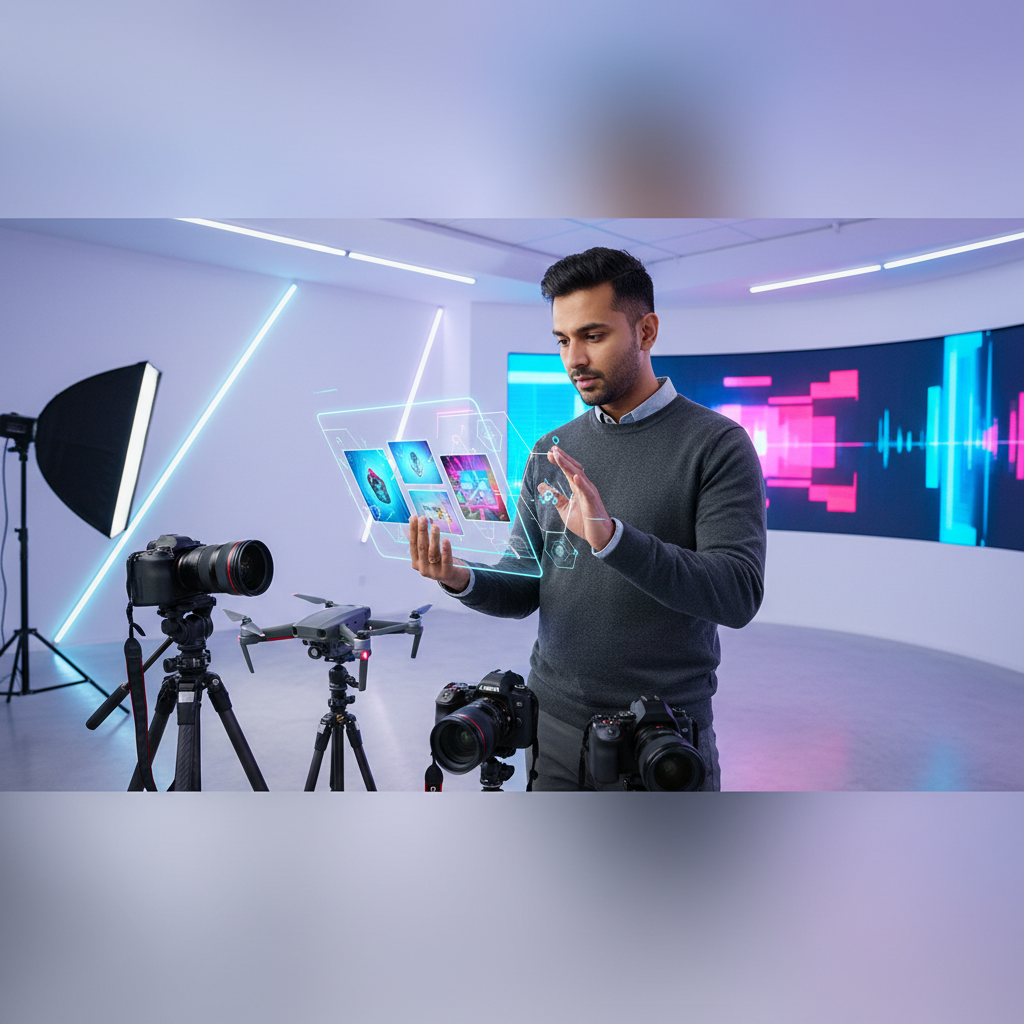
AI Photography Workflow: Unlock Unprecedented Efficiency
I remember staring at thousands of wedding photos, my eyes blurring, trying to pick out the absolute best shots. Hours, sometimes days, would vanish into the black hole of culling and basic edits. It felt like an unavoidable tax on creativity, a necessary evil that stole time from actual shooting or, heaven forbid, a weekend. You’ve probably been there, wrestling with endless post-processing or the sheer volume of images from a demanding product photo session.
In this post, you’ll discover how professional photographers use AI to speed up their workflow, learn why integrating artificial intelligence in photography is no longer optional, and get an honest review of AI tools for photographers — backed by real-world examples from my own journey.
Why This Matters Now: The Shifting Sands of Photography
Let’s be honest: the photography landscape is more competitive than ever. Clients expect faster turnarounds, impeccable quality, and often, more for their money. Sticking to purely manual processes isn’t just inefficient; it’s a fast track to falling behind. The industry is undergoing a significant shift, driven by technological advancements that are redefining what’s possible in a fraction of the time.
This isn’t about replacing human skill; it’s about augmenting it. The impact of AI on commercial photography business models is profound, pushing us to embrace smarter ways of working. Ignoring these advancements means leaving valuable time and potential profits on the table. It’s about building E-E-A-T (Experience, Expertise, Authority, Trust) with your clients by delivering exceptional results with unprecedented speed.
How Professional Photographers Use AI to Speed Up Their Workflow

Professional photographers leverage AI photography workflow solutions to automate repetitive, time-consuming tasks, freeing them to focus on creative vision and client interaction. From intelligent culling to advanced post-processing, AI applications for professional photographers are transforming every stage of the image production pipeline. This isn’t just about minor tweaks; it’s about a fundamental shift in how we approach our craft, dramatically enhancing photography efficiency with artificial intelligence.
The AI Revolution in Culling and Selection
One of the biggest time sinks for any photographer is culling, especially after a high-volume shoot. AI for culling and selecting best shots from a product photo session, or even a portrait session, is a game-changer. These AI-powered tools for image selection can analyze images for focus, exposure, duplicates, closed eyes, and even aesthetic appeal, suggesting the strongest contenders.
Instead of manually sifting through thousands of images, you can quickly narrow down your selection to the top few hundred, sometimes even dozens. This initial pass by AI solutions for efficient photo culling drastically reduces the mental fatigue and hours spent on a task that, while critical, isn’t always the most creatively fulfilling. It’s like having a highly efficient assistant who never gets tired.
Streamlining Post-Processing with AI
Once the best shots are selected, the next hurdle is post-processing. This is where professional photo editing AI truly shines. AI tools for product photography post-processing and editing can handle tasks that used to require meticulous manual work, such as background removal, skin retouching, color grading, and even object removal.
Automating photography tasks with AI in this stage means consistent quality across large batches of images. Imagine applying a specific product photography style to hundreds of images with a single click, or effortlessly correcting lens distortions and chromatic aberrations. This level of AI image processing for photographers is not just about speed; it’s about achieving a level of precision and consistency that was previously incredibly difficult to maintain manually.
AI Tools for Photographers: A Closer Look
The market is flooded with various AI tools for photographers, each promising to revolutionize your workflow. It’s crucial to find the best AI tools for professional photo editing that integrate seamlessly into your existing setup. Many of these AI tools offer features like intelligent noise reduction, upscaling, and even the ability to create images from text prompts, opening up new creative avenues.
Here’s a quick comparison of how AI impacts different stages:
| Workflow Stage | Traditional Method | AI-Enhanced Method |
|---|---|---|
| Culling | Manual review of every image, often subjective and time-consuming. | AI identifies duplicates, out-of-focus shots, closed eyes, and ranks images by quality/expression. |
| Basic Edits | Manual adjustments for exposure, white balance, cropping on individual or small batches. | AI applies smart corrections, presets, and consistent styles across entire shoots. |
| Retouching | Detailed manual work for skin, object removal, background cleanup. | AI automates skin smoothing, removes blemishes, cleans backgrounds, and even generates missing details. |
| Color Grading | Manual color adjustments, often inconsistent across a large set. | AI analyzes and applies consistent, desired color grades based on reference images or learned styles. |
How AI is Changing the Business Model for Commercial Photographers
The speed up photo workflow AI offers directly translates to a competitive advantage. Commercial photographers can now take on more projects, offer faster delivery times, and maintain higher profit margins. This shift in the business model for commercial photographers means less time spent on repetitive tasks and more time on client acquisition, creative development, and actual shooting. It’s about delivering more value, more quickly, which is invaluable in today’s market.
Real-World Case Study: Studio X’s Product Photography Overhaul
Situation: Studio X, a bustling e-commerce product photography studio, was struggling with a bottleneck in their post-production department. They were shooting hundreds of products weekly, and the manual culling, background removal, and consistent color grading for each product image were leading to significant delays and overtime costs. Their average turnaround time was 5-7 business days, making it difficult to compete with faster studios.
Action: The studio decided to implement an AI photography workflow focusing on two key areas. First, they adopted an AI-powered culling software that automatically identified sharp, well-exposed images and flagged duplicates. Second, they integrated specialized AI tools for product photography post-processing and editing that could batch process background removal and apply a consistent color profile across all images. They also started experimenting with an AI image generator to create mockups and composite shots for clients, further streamlining their creative process.
Result: Within three months, Studio X saw a dramatic improvement. Their culling time was reduced by 70%, and post-processing time for product images dropped by 50%. This allowed them to cut their average turnaround time to just 2-3 business days. The studio was able to take on 30% more projects without increasing staff, leading to a 25% increase in annual revenue. The impact of AI on their commercial photography business model was undeniable, transforming their efficiency and profitability.
Mistakes That Are Costing You Results

Over-Reliance on Automation Without Oversight
Many photographers jump into AI tools for photographers thinking it’s a “set it and forget it” solution. That’s a huge mistake.
While AI can automate tasks, it still requires human oversight. Blindly accepting every AI suggestion for culling or every automated edit can lead to generic, soulless images that lack your unique artistic touch. Always review the AI’s output and make manual adjustments where necessary.
Neglecting the Learning Curve
Another common pitfall is expecting instant mastery. AI photography software review videos might make it look easy, but there’s a learning curve to truly harness the power of artificial intelligence in photography.
Don’t rush the process. Spend time understanding how each tool works, experimenting with its settings, and integrating it smoothly into your existing photography workflow automation. This investment of time upfront will pay dividends later.
Ignoring Integration Potential
Some photographers use AI tools in isolation, missing out on the synergistic benefits of a fully integrated AI photography workflow.
The real power comes when your culling software talks to your editing software, or when your raw image processing is seamlessly connected to your final output. Look for tools that offer robust integration options to truly speed up photo workflow AI promises.
Frequently Asked Questions
How does AI speed up a professional photographer’s workflow?
AI speeds up a professional photographer’s workflow by automating repetitive and time-consuming tasks such as culling, basic adjustments, and advanced retouching. This allows photographers to process images much faster, reducing the overall time spent on post-production and increasing efficiency.
What specific AI tools are beneficial for photographers?
Specific AI tools beneficial for photographers include AI-powered culling software that identifies best shots, professional photo editing AI for background removal and retouching, and AI image processing for tasks like noise reduction, upscaling, and color grading. Many general AI software platforms also offer image enhancement features.
Can AI truly improve the quality of photographic output?
Yes, AI can truly improve the quality of photographic output by providing consistent and precise edits, correcting imperfections that might be missed manually, and even enhancing details or resolving issues like noise and blur. It allows for a higher level of technical perfection and consistency across large volumes of images.
How does AI assist in culling and selecting photos?
AI assists in culling and selecting photos by analyzing image data to identify technical flaws like blur or poor exposure, detecting duplicates, and even evaluating aesthetic qualities to suggest the strongest images from a shoot. This significantly reduces the manual effort required to narrow down a large collection of photographs.
What are the ethical considerations of using AI in photography?
Ethical considerations of using AI in photography include questions of authenticity and manipulation, especially with AI-generated content or heavy AI retouching that alters reality. There are also concerns about data privacy, algorithmic bias, and the potential impact on human creativity and employment in the long term.
Why I Disagree With the “AI Will Replace Photographers” Hype
Most people say that artificial intelligence in photography is an existential threat, poised to replace human photographers entirely. I think that’s wrong because it fundamentally misunderstands the role of a photographer. AI can handle the mechanics, the repetitive tasks, and even generate incredibly realistic images. But it cannot replicate the human connection, the artistic vision, the ability to anticipate a moment, or the unique perspective that makes a photograph truly powerful. AI is a tool, a very powerful one, but it’s still just a tool in the hands of a creative individual. It empowers us, it doesn’t erase us.
Pick one thing from this list — maybe try out an AI culling tool or experiment with some professional photo editing AI software this week. That’s it. You’ll see the difference it makes, not just in your workflow, but in your ability to focus on what truly matters: your art and your clients.